


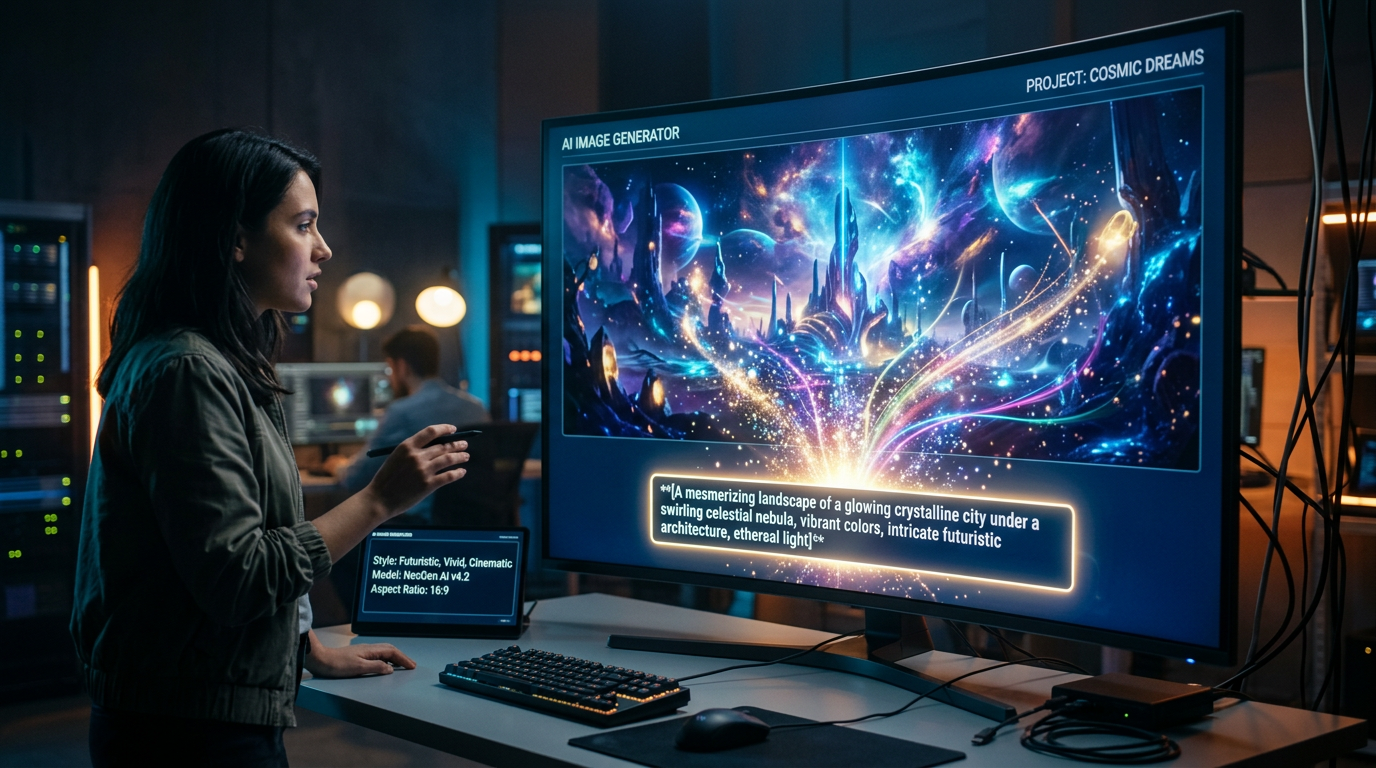
The first AI image I generated looked terrible.
I typed something simple like:
“A cool gaming setup”
And the result somehow looked both impressive and weird at the same time.
The lighting was strange, the keyboard looked melted, and parts of the image didn’t even make sense.
At first, I thought AI image generators were overhyped.
But after spending more time experimenting with prompts, styles, and different tools, I realized the problem wasn’t the technology — it was how I was using it.
Once I understood how AI image generation actually works, things became much more interesting.
I started creating:
- YouTube thumbnails
- social media graphics
- wallpaper concepts
- mockups
- blog visuals
- and even creative design ideas without advanced editing skills
Here’s what actually helped me generate better AI images consistently.
The Biggest Mistake Beginners Make With AI Images
Most people type extremely short prompts and expect cinematic results.
That’s exactly what I did in the beginning.
Example of bad prompt:
“Make a futuristic city”
The AI has almost no direction there.
Now compare it with this:
“A futuristic cyberpunk city at night with neon lights, rainy streets, cinematic lighting, realistic style”
The second prompt gives:
- mood
- environment
- lighting
- style
- atmosphere
And the difference in output quality becomes huge.
That was the first real lesson I learned:
AI image generators respond better to detailed instructions.
The AI Image Tools I Actually Found Useful
I tested multiple AI image tools, and honestly, they all feel slightly different.
Some are better for realism. Some work better for creative art. Some are beginner-friendly.
Here are the ones that actually helped me.
Midjourney — Best for Cinematic and Creative Images
Midjourney was the first tool that made me genuinely impressed.
The image quality felt much more artistic compared to basic generators.
What I used it for:
- fantasy artwork
- cinematic scenes
- creative wallpapers
- concept art
- thumbnail ideas
The results often looked professionally designed even when my prompts weren’t perfect.
But there’s a learning curve.
At first, I struggled because prompt wording matters a lot there.
Once I learned to describe:
- lighting
- colors
- camera angles
- and mood
the images became dramatically better.
DALL·E — The Easiest Tool for Beginners
DALL·E felt much easier to use when I just wanted quick image generation without complicated settings.
What I liked about it:
- beginner-friendly
- simple interface
- good prompt understanding
- fast image generation
This is the tool I’d recommend to beginners first because it doesn’t feel overwhelming.
I used it mostly for:
- blog images
- social media graphics
- quick concepts
- simple creative ideas
The biggest advantage is simplicity.
You don’t need technical knowledge to get decent results.
Canva AI — Useful for Practical Content Creation
Canva AI became useful when I needed content quickly for actual projects.
Instead of creating highly artistic images, I used it more for:
- presentations
- Instagram posts
- blog graphics
- marketing visuals
What makes Canva useful is that design and image generation exist in the same workflow.
So instead of generating images separately and editing somewhere else, everything happens in one place.
That saves a surprising amount of time.
Leonardo AI — Surprisingly Good for Detailed Designs
Leonardo AI became one of my favorites for game-style and detailed illustrations.
What it worked well for:
- character concepts
- gaming art
- fantasy scenes
- stylized illustrations
At first, I ignored it because I thought all AI image tools were basically the same.
They’re not.
Different tools clearly have different strengths.
How I Actually Generate Better AI Images Step by Step
After lots of trial and error, I naturally developed a simple process that works much better than random prompting.
Step 1: Decide the Exact Purpose of the Image
This matters more than people realize.
Before generating anything, I ask:
- Is this for YouTube?
- Social media?
- Wallpaper?
- Blog thumbnail?
- Branding?
The purpose changes the type of prompt I write.
For example:
- thumbnails need attention-grabbing visuals
- wallpapers need atmosphere
- blog images need clarity
Without direction, prompts become messy.
Step 2: Describe the Scene Clearly
The AI needs visual instructions.
Now I try to describe:
- subject
- environment
- lighting
- colors
- style
- mood
Example:
Instead of:
“A cat”
I’d write:
“A fluffy orange cat sitting near a rainy window with warm lighting, cozy atmosphere, realistic photography style”
That creates much stronger results.
Step 3: Mention the Style
This improved my images a lot.
Adding style references changes the outcome dramatically.
Examples:
- realistic
- cinematic
- anime style
- digital art
- watercolor
- cyberpunk
- minimalist
Without style guidance, outputs often feel random.
Step 4: Generate Multiple Variations
The first image is rarely the best one.
I usually generate multiple versions and compare:
- composition
- lighting
- details
- overall feel
Sometimes a small wording change creates completely different results.
That’s why experimenting matters.
Step 5: Edit or Refine the Best Result
Most good AI images are not “one-click perfect.”
I often:
- crop images
- adjust colors
- sharpen details
- remove small issues
- add text or overlays in Canva
This final touch makes the image feel more polished and usable.
Real Things I Used AI Images For
Once I got better at prompting, I started using AI-generated images regularly.
For blogging:
- featured images
- thumbnails
- article visuals
For social media:
- Instagram graphics
- post backgrounds
- visual concepts
For YouTube:
- thumbnail ideas
- banner concepts
- creative scenes
For personal projects:
- wallpapers
- mockups
- branding experiments
It became more practical than I expected.
Common Mistakes I Made While Generating AI Images
I definitely wasted time making mistakes early on.
Here are the biggest ones.
1. Using very short prompts
This created random and inconsistent results.
Detailed prompts work much better.
2. Ignoring image style
Without specifying style, outputs often looked generic.
3. Expecting perfection instantly
Good AI images usually require experimentation.
Even experienced users refine prompts multiple times.
4. Over-editing prompts
At one point, I made prompts way too complicated.
Sometimes simpler descriptions actually perform better.
5. Forgetting practical usage
An image can look beautiful but still be useless for real content.
Now I think about usability first.
What Actually Improved My AI Images the Most
Surprisingly, it wasn’t learning complicated technical settings.
The biggest improvement came from learning how to describe visuals properly.
Once I started thinking like this:
- What mood do I want?
- What lighting fits?
- What style works best?
- What should the viewer feel?
the outputs improved naturally.
AI image generation is less about technology and more about communication.
Final Thoughts
AI image generation feels almost magical at first, but good results usually come from experimentation and clear direction.
The people creating impressive AI visuals are rarely just typing random one-line prompts.
They’re:
- refining ideas
- adjusting prompts
- understanding style
- and learning through trial and error
That’s really the difference.
Once you understand how to guide the AI properly, creating high-quality visuals becomes much easier — even if you have zero design background.











