


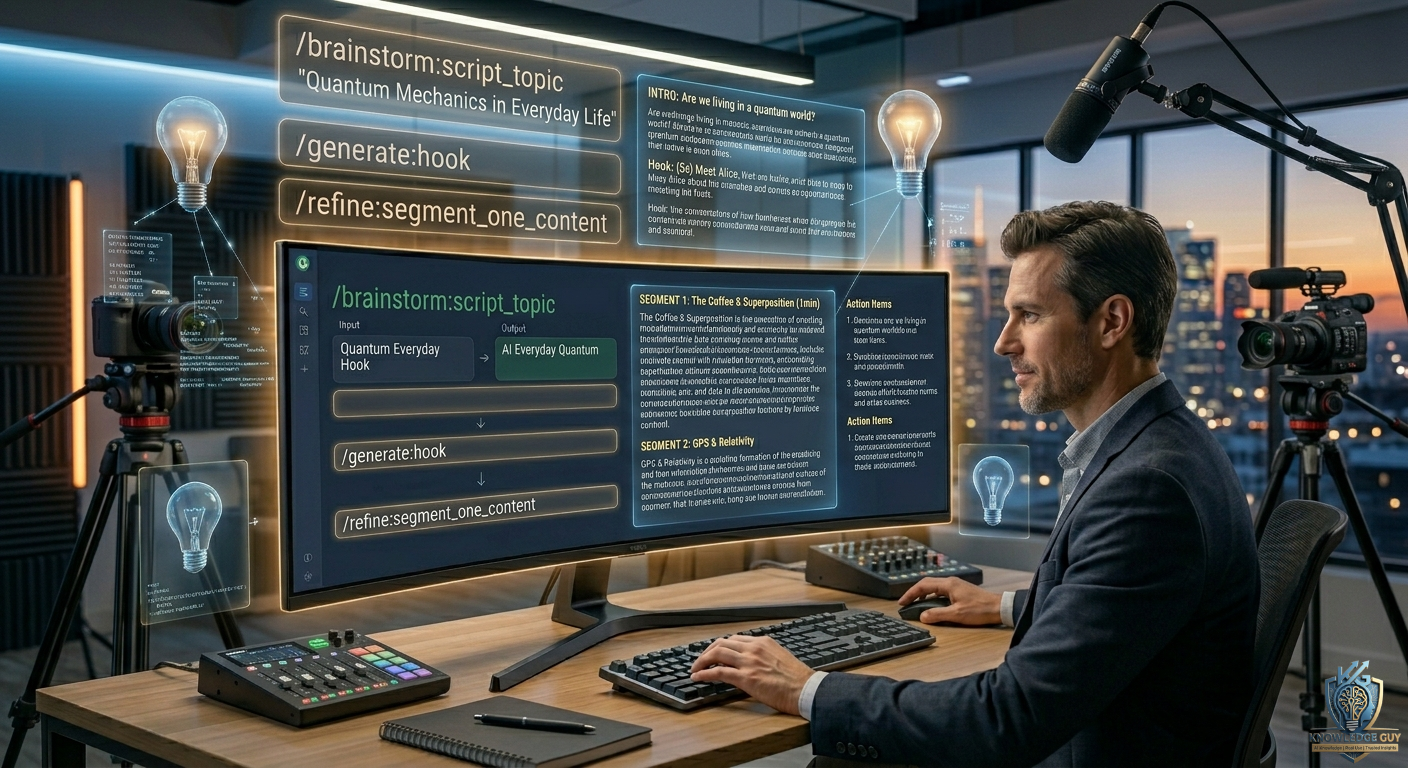
The first time I tried to start a YouTube channel, I spent more time staring at Google Docs than actually recording anything.
I had ideas. I even had a decent mic.
But when it came to writing scripts… everything sounded either too boring or too robotic.
I’d start with something like:
“Hey guys, welcome back to my channel…”
And then completely blank out.
It wasn’t that I didn’t know my topic. It was that I didn’t know how to shape it into a script people actually want to watch.
That’s when I started using AI seriously — not to write scripts for me, but to help me structure my thinking.
And the real difference came from one thing: prompts.
Not random prompts. Specific ones that guide storytelling.
Here are the exact prompt styles I now use when writing YouTube scripts.
1. The “Hook First” Prompt (Most Important One)
This is where every good video starts.
Prompt:
“Write 5 engaging YouTube video hooks for this topic based on real-life struggles or curiosity, not definitions.”
Why it changed everything:
Before this, my intros were like textbook openings.
Now I start with:
- relatable problems
- curiosity gaps
- emotional situations
Example result:
Instead of:
“Today I will explain AI tools…”
I now start with:
“I wasted 3 hours writing a script that nobody would even watch…”
That alone increased retention.
2. The “Full Script Structure” Prompt
This is my base prompt for almost every video.
Prompt:
“Create a YouTube script structure for this topic including hook, intro, main points, storytelling flow, and ending CTA in a natural tone.”
Why it works:
It removes confusion.
You get:
- clear flow
- organized sections
- storytelling direction
Instead of guessing what comes next, you follow a path.
3. The “Storytelling Script Prompt”
This is the one that made my content feel more human.
Prompt:
“Write a YouTube script on this topic in a storytelling tone with real-life examples and personal experience style narration.”
What changed:
My scripts stopped sounding like lectures.
They started sounding like:
- someone sharing experience
- casual explanations
- relatable situations
And viewers actually stayed longer.
4. The “Beginner-Friendly Simplification Prompt”
Sometimes scripts get too complex.
Prompt:
“Rewrite this script in a simple, beginner-friendly tone as if explaining to a friend with no technical knowledge.”
Why it matters:
YouTube is not about sounding smart.
It’s about being understood.
This prompt helped me:
- reduce jargon
- simplify explanations
- improve watch time
5. The “Retention Improvement Prompt”
This one is underrated.
Prompt:
“Improve this YouTube script by adding retention hooks, curiosity gaps, and smoother transitions between sections.”
What it does:
It adds:
- “wait for it…” moments
- curiosity breaks
- better pacing
This keeps viewers watching longer.
6. The “YouTube Shorts Script Prompt”
Short-form content needs a different mindset.
Prompt:
“Write a 30–60 second YouTube Shorts script on this topic with a strong hook, fast pacing, and punchy ending.”
Why it’s useful:
Shorts are all about:
- instant hook
- fast delivery
- strong ending
This prompt helps you avoid slow starts.
7. The “Problem-Solution Script Prompt”
This is great for educational content.
Prompt:
“Write a YouTube script that starts with a common problem, explains why it happens, and then provides a simple solution with examples.”
Why it works:
People watch videos to solve problems.
This structure naturally keeps them engaged.
8. The “Human Tone Rewrite Prompt”
Early AI drafts often sound too stiff.
Prompt:
“Rewrite this script in a natural spoken tone like a real YouTuber talking casually to their audience.”
What improves:
- tone becomes conversational
- sentences feel shorter
- less robotic flow
This is one of my final editing steps.
9. The “Engagement CTA Prompt”
Most beginners forget this part.
Prompt:
“Write 3 natural call-to-action endings for a YouTube video without sounding salesy.”
Why it matters:
Good CTAs feel like:
- conversation continuation
- not forced promotion
Example:
Instead of:
“Like and subscribe!”
Better:
“If this helped you, I’ll break down more simple AI tools in the next video.”
10. The “Complete Viral Script Prompt”
When I want everything in one go, I use this.
Prompt:
“Write a complete YouTube script for this topic including hook, storytelling intro, main content, examples, and ending CTA in a natural engaging tone optimized for retention.”
Why it’s powerful:
It gives a full draft that just needs small edits.
But I still always tweak it — never upload raw AI scripts.
The Mistake I Made at the Start
When I first used AI for scripts, I made one big mistake:
I asked it to “write a YouTube script.”
That’s it.
And the result was always:
- generic
- flat
- boring
The problem wasn’t AI.
The problem was that I wasn’t directing it properly.
Once I started adding:
- tone
- audience type
- structure
- storytelling direction
everything improved.
My Actual Script Writing Workflow Now
Here’s exactly how I do it:
Step 1: Hook generation
I create 3–5 hooks and pick the strongest one
Step 2: Structure planning
I generate full script outline
Step 3: Section writing
I expand each part one by one
Step 4: Tone fixing
I rewrite for natural flow
Step 5: Retention check
I add curiosity gaps and transitions
This system makes script writing way more predictable.
Common Mistakes Beginners Make
I’ve made most of these myself:
1. Writing like an article instead of speech
YouTube scripts should sound spoken, not written.
2. No hook in the first 5 seconds
If the hook is weak, people leave.
3. Over-explaining everything
Viewers don’t need lectures.
They need clarity.
4. Ignoring pacing
Too fast or too slow both kill engagement.
5. Uploading AI script without editing
Always personalize it.
Why These Prompts Actually Work
They work because they focus on one thing:
👉 how humans actually watch videos
Not how content is written.
Once you shift from “writing mode” to “viewer psychology mode,” everything changes.
Final Thoughts
Writing YouTube scripts used to feel complicated for me.
Now it feels like a system:
- hook
- structure
- storytelling
- simplification
- engagement
The biggest lesson I learned is simple:
Better prompts don’t just give better scripts — they teach you how to think like a content creator.
And once you start thinking that way, writing videos stops feeling like pressure… and starts feeling like a process you can actually control.











