


A while ago, I tried to fix my biggest productivity problem: messy thinking.
I had notes everywhere:
- random ideas in my phone
- half-written blog drafts
- to-do lists in different apps
- saved articles I never re-opened
It got to a point where I wasn’t even sure where my work was anymore.
So I started rebuilding my workflow using AI tools instead of trying to “organize everything manually.”
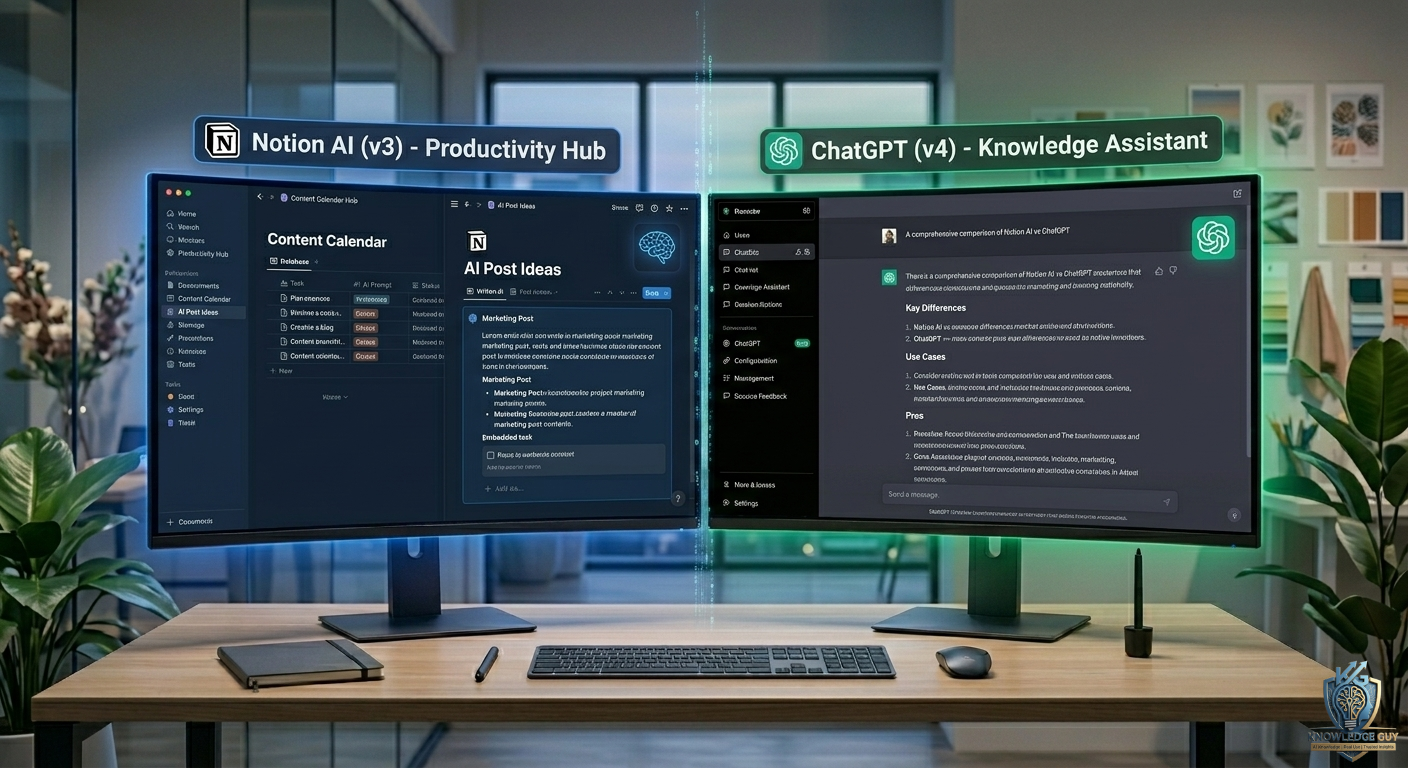
That’s when I started using Notion AI and ChatGPT together.
At first, I thought:
“They probably do the same thing.”
After a few weeks of real usage, I realized that assumption was completely wrong.
They feel similar on the surface, but in real work they behave very differently.
My First Experience With ChatGPT
ChatGPT felt like talking to someone who could think with me.
Whenever I opened it, I used it for:
- brainstorming ideas
- writing drafts
- explaining topics
- generating outlines
- fixing content structure
It didn’t feel tied to any app or system.
It felt flexible.
That flexibility is what made it powerful for me.
For example, when I was writing blog content, I could just say:
“Give me a structured blog outline on AI tools for beginners”
And it would instantly give me something usable.
Not perfect, but a strong starting point.
My First Impression of Notion AI
Notion AI felt very different.
Instead of being a standalone thinking tool, it felt like an assistant living inside my workspace.
And that changes everything.
Because I already used Notion for:
- notes
- task tracking
- content planning
- personal organization
Having AI inside that same system felt more practical than powerful.
It wasn’t about creativity.
It was about structure.
ChatGPT Felt Better for Thinking and Creation
This became obvious very quickly.
Whenever I needed:
- ideas
- explanations
- writing help
- rewriting content
- brainstorming angles
ChatGPT performed better.
It felt like a thinking partner.
Especially when I didn’t know where to start.
For example:
When I needed 10 blog topic ideas for an AI website, ChatGPT gave me structured and creative suggestions in seconds.
That kind of ideation speed is where it shines.
Notion AI Felt Better for Organization
Notion AI didn’t feel like a “creative generator” in the same way.
Instead, it helped me:
- clean up notes
- summarize content
- structure ideas
- rewrite messy writing
- organize information
For example, I had a long, unstructured note about blog ideas.
Instead of rewriting it manually, I asked Notion AI to summarize and structure it.
It turned chaos into something readable.
That’s where it really helped.
The Biggest Mistake I Made Using Both Tools
At first, I tried forcing ChatGPT into my Notion workflow.
And I also tried using Notion AI like ChatGPT.
That didn’t work well.
Because:
- ChatGPT is external thinking space
- Notion AI is internal workspace assistant
Once I understood that difference, everything became easier.
ChatGPT Helped Me Outside My Workspace
I started using ChatGPT like a “thinking engine” outside Notion.
I would use it for:
- content planning
- learning topics
- rewriting ideas
- solving problems
- generating strategies
Then I would take the refined ideas into Notion.
That separation made my workflow cleaner.
Notion AI Helped Me Inside My System
Inside Notion, I used AI differently.
Instead of asking it to “create new ideas,” I used it to:
- clean notes
- organize tasks
- summarize research
- structure content plans
It became more like a productivity enhancer than a creative tool.
Real Example From My Workflow
Here’s how I actually used both together.
Step 1: Idea Generation (ChatGPT)
I asked ChatGPT:
“Give me 20 blog ideas for an AI tools website targeting beginners”
I got structured topic ideas instantly.
Step 2: Planning (Notion)
I pasted ideas into Notion.
Then used Notion AI to:
- organize them into categories
- group similar topics
- clean formatting
Step 3: Writing (ChatGPT)
For each topic, I went back to ChatGPT to:
- create outlines
- write drafts
- refine structure
Step 4: Storage (Notion)
Final content plans were stored in Notion pages.
That’s where Notion AI helped keep everything readable.
ChatGPT Was Better at Flexibility
One thing I noticed clearly:
ChatGPT doesn’t care where you use it.
It works as:
- writer
- teacher
- planner
- assistant
- brainstorming partner
That flexibility makes it powerful for creators.
Notion AI Was Better at Context
Notion AI shines because it understands:
- your notes
- your projects
- your structure
It works inside your existing system.
That context makes it useful for ongoing work management.
Common Mistakes People Make With These Tools
I made most of these early on.
1. Using ChatGPT as a storage tool
ChatGPT is not meant to store long-term structured information.
2. Using Notion AI for deep creativity
It’s better for organizing than generating complex ideas.
3. Mixing workflows randomly
When you don’t separate tools properly, things get messy fast.
4. Expecting perfect outputs
Both tools still need human editing.
5. Over-relying on AI for thinking
AI helps thinking — it doesn’t replace it.
What Actually Changed My Productivity
The real improvement wasn’t just using AI tools.
It was understanding:
- what each tool is good at
- when to use each one
- how to combine them properly
Once I stopped forcing both tools to do everything, my workflow became much smoother.
Which Tool Feels Better for Beginners?
If someone is completely new:
👉 ChatGPT feels easier to start with
Because it doesn’t require setup or structure.
You just open it and start asking questions.
Who Should Use Notion AI?
Notion AI is better for people who already:
- take notes regularly
- manage projects
- plan content
- organize tasks
It becomes powerful once your system is already built.
A Simple Way to Understand the Difference
Here’s the easiest breakdown based on real usage:
ChatGPT = Thinking Tool
- ideas
- writing
- explanations
- brainstorming
- problem solving
Notion AI = Organization Tool
- notes
- summaries
- structure
- task management
- workflow cleanup
That’s the core difference.
Final Thoughts
After using Notion AI and ChatGPT together for real work, I stopped comparing them as competitors.
They’re not competing tools.
They solve different problems.
ChatGPT feels like:
- a thinking partner
- a creative assistant
- a problem-solving tool
Notion AI feels like:
- a workspace assistant
- an organization helper
- a cleanup and structuring tool
The real productivity boost doesn’t come from choosing one over the other.
It comes from using both in the right place at the right time.
That’s when AI actually starts feeling useful in daily work instead of just being another tool you try and forget.











