


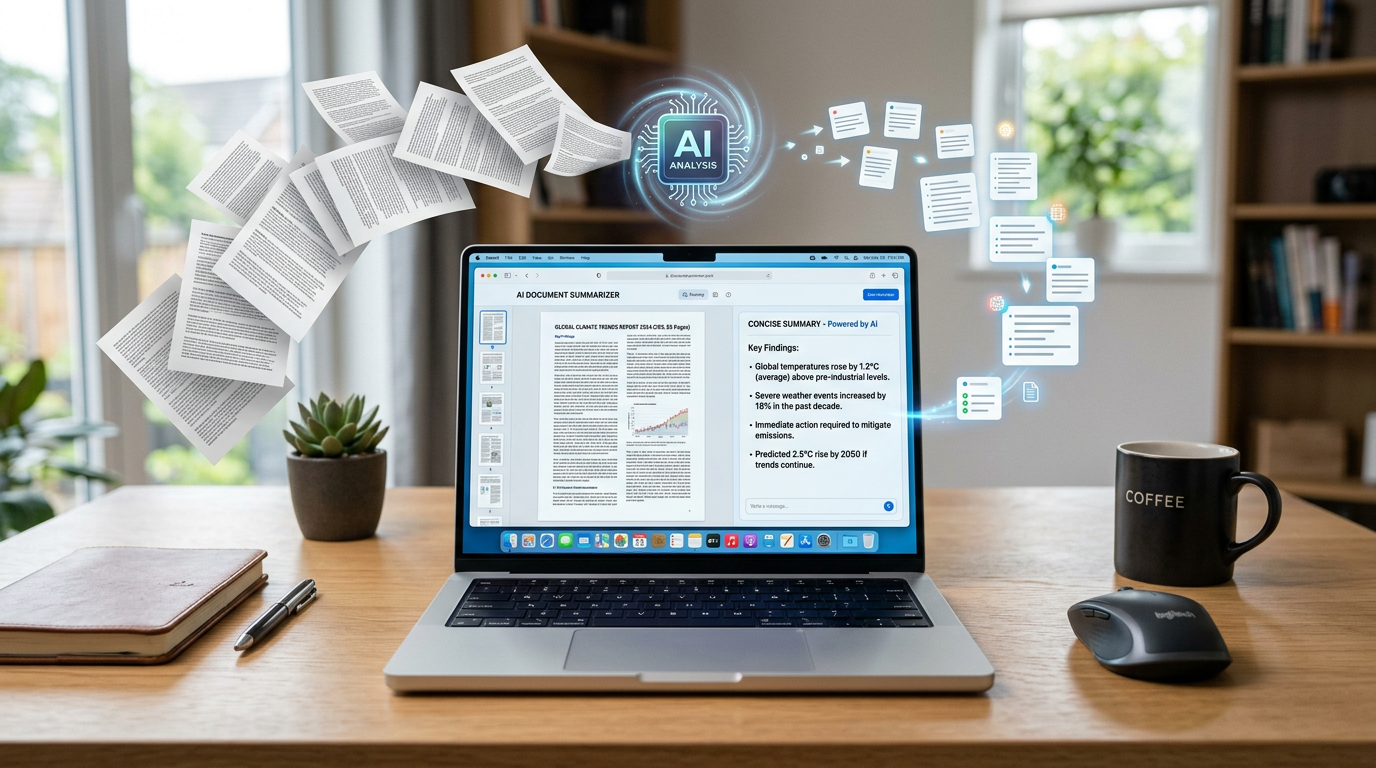
I still remember opening a 78-page PDF the night before an assignment deadline and immediately losing motivation.
It was one of those moments where you scroll through endless pages thinking:
“There’s no way I’m reading all of this today.”
At first, I tried the old method:
- highlight important lines
- skim headings
- jump between pages
- hope I understood the important parts
But honestly, it was slow and exhausting.
That’s when I started experimenting with AI tools for summarizing PDFs.
At first, I expected magic.
Upload the file, get perfect notes instantly, done.
That didn’t happen.
Some summaries missed important points. Some were too short. Others removed useful context completely.
But after testing different AI tools and learning how to guide them properly, I found a workflow that actually saves a huge amount of time without making you completely dependent on AI.
Here’s what genuinely worked for me.
The Biggest Mistake I Made While Using AI for PDFs
The first thing I did was upload massive PDFs and ask:
“Summarize this.”
The results were usually disappointing.
Why?
Because AI works much better when you give direction.
Now instead of asking for a general summary, I ask things like:
- “Summarize this chapter in simple words.”
- “Give only key points for exam preparation.”
- “Explain the important arguments.”
- “Create short revision notes from this PDF.”
That small change improves results dramatically.
AI needs context about what kind of summary you actually want.
ChatGPT Became My Main Tool for PDF Summaries
After testing multiple platforms, ChatGPT became the tool I used most often.
Not because it’s perfect, but because it handles:
- explanations
- simplification
- note creation
- and follow-up questions really well
What helped me most was the ability to continue asking questions after the summary.
For example:
- “Explain this part more simply.”
- “Give an example.”
- “Turn this into bullet points.”
- “What are the main arguments here?”
That makes learning much easier than static summaries.
Claude Helped Me With Longer PDFs
One thing I noticed quickly:
some tools struggle with very large files.
Claude handled long PDFs surprisingly well when I tested research papers and detailed reports.
What I used it for:
- academic PDFs
- long documentation
- research summaries
- large study material
The summaries often felt more organized and natural compared to shorter AI outputs.
Especially when dealing with complicated material.
Humata AI Was Surprisingly Useful for Students
I discovered Humata AI while searching for tools specifically designed for PDF interaction.
Instead of only summarizing, it lets you ask questions directly from the document.
Example:
You can upload a PDF and ask:
- “What is the main conclusion?”
- “Explain chapter 3 simply.”
- “What are the key statistics?”
- “Summarize the important sections only.”
This felt much faster than manually searching through pages.
Especially for revision.
How I Actually Summarize PDFs Using AI Step by Step
After lots of experimenting, I naturally developed a simple workflow that saves time without sacrificing understanding.
Step 1: Don’t Upload the PDF Blindly
Before using AI, I first check:
- what type of document it is
- how long it is
- what information I actually need
Because summarizing:
- research papers
- class notes
- business reports
- and ebooks
all require different approaches.
Without clarity, summaries become too generic.
Step 2: Decide the Goal of the Summary
This changed everything for me.
Now I ask:
- Do I need quick revision notes?
- Do I need full understanding?
- Do I need exam preparation?
- Do I only need important arguments?
The purpose affects the prompts I use.
Example:
For exams:
“Create short revision notes with key concepts only.”
For understanding:
“Explain the ideas in beginner-friendly language.”
That produces much better summaries.
Step 3: Break Large PDFs Into Sections
This was one of the biggest improvements I discovered.
Huge PDFs often create weaker summaries if processed all at once.
Now I summarize:
- chapter by chapter
- section by section
- or topic by topic
This keeps summaries clearer and more accurate.
Especially for academic material.
Step 4: Ask Follow-Up Questions
This is where AI becomes genuinely useful.
Instead of only reading the summary, I continue the conversation.
Example follow-ups:
- “Explain this concept more simply.”
- “What’s the real-world example?”
- “Turn this into flashcards.”
- “What are the most important points?”
That interaction helps understanding much more than passive reading.
Step 5: Create Final Notes Manually
This part matters a lot.
I no longer depend completely on raw AI summaries.
Instead, I:
- read the summary
- understand the concepts
- then rewrite important notes in my own style
That helps information stick better.
And honestly, it prevents lazy studying too.
AI Tools That Actually Helped Me Summarize PDFs
I tested many tools, but only a few became genuinely useful in daily workflow.
ChatGPT
Best for:
- explanations
- simplification
- revision notes
- follow-up learning
Great for interactive studying.
Claude
Best for:
- longer PDFs
- research papers
- structured summaries
- detailed documents
Very useful for large files.
Humata AI
Best for:
- asking questions from PDFs
- finding key information quickly
- academic study support
Especially good for students.
Notion AI
Best for:
- organizing summarized notes
- storing key points
- creating study dashboards
Useful after summarization.
Real Ways I Used AI PDF Summaries
Once I figured out the workflow, I started using AI PDF tools constantly.
For studying:
- revision notes
- chapter summaries
- exam preparation
For blogging:
- researching topics faster
- simplifying technical information
- extracting key points from reports
For productivity:
- summarizing long guides
- understanding documentation
- processing information faster
The biggest benefit wasn’t replacing reading entirely.
It was reducing information overload.
Common Mistakes I Made While Summarizing PDFs With AI
I definitely made beginner mistakes at first.
Here are the biggest ones.
1. Trusting summaries without checking context
AI can sometimes oversimplify important details.
Now I verify key points myself.
2. Uploading huge PDFs all at once
Breaking files into sections usually works better.
3. Depending entirely on AI
This becomes dangerous during exams or serious research.
Understanding still matters.
4. Asking vague prompts
Generic prompts create weak summaries.
Specific instructions improve results massively.
5. Skipping manual note-taking
Rewriting key ideas yourself improves memory much more.
What Actually Improved My Results the Most
Surprisingly, it wasn’t using more advanced tools.
The biggest improvement came from learning:
- how to ask better prompts
- how to break information into sections
- and how to interact with summaries instead of passively reading them
That made AI much more useful for real learning.
A Simple PDF Summarizing Workflow That Actually Works
Here’s the exact system I naturally follow now:
Step 1:
Understand the goal of the summary.
Step 2:
Upload smaller sections instead of huge files.
Step 3:
Ask for targeted summaries.
Step 4:
Use follow-up questions for clarification.
Step 5:
Create final notes manually in your own words.
Simple process. Much less overwhelming.
Final Thoughts
AI tools made handling long PDFs much easier for me, but not because they magically replace reading completely.
The real advantage came from:
- saving time
- reducing information overload
- simplifying difficult concepts
- and organizing knowledge faster
The people getting the best results from AI summaries are usually the ones who still stay actively involved in the learning process instead of blindly depending on automation.
That balance is what actually makes these tools useful.











