


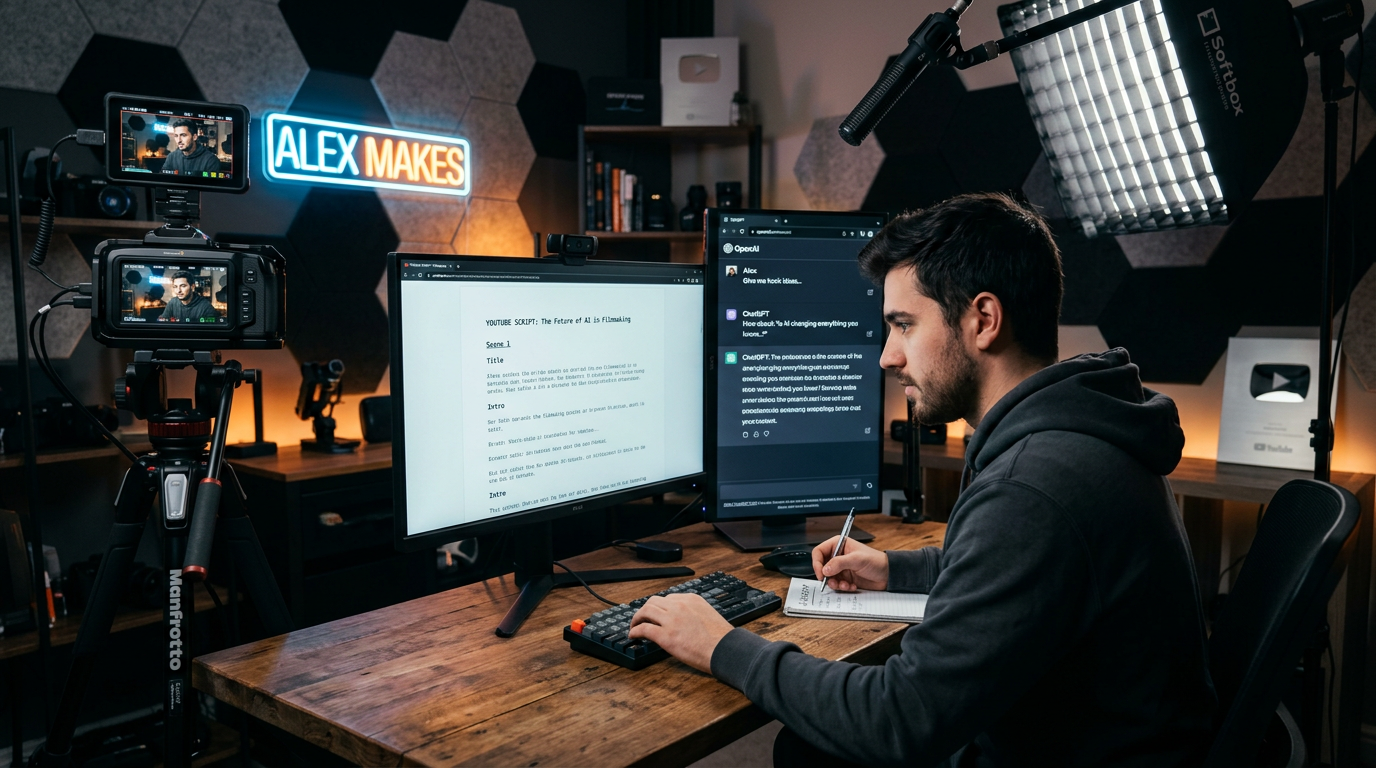
The first YouTube script I made with AI sounded painfully robotic.
It had all the “YouTube words”:
- “Hey guys welcome back…”
- “Don’t forget to like and subscribe…”
- “Today we’re going to dive deep…”
And honestly, it sounded like every generic video on the internet.
The bigger problem was this:
when I tried reading the script out loud, it didn’t sound like me at all.
That’s when I realized something important.
AI can help you write YouTube scripts faster, but if you rely on it completely, your videos start sounding lifeless and repetitive.
After months of experimenting with AI tools for scriptwriting, content planning, and video ideas, I found a workflow that actually works without making videos feel automated.
Here’s what helped me the most.
The Biggest Mistake I Made With AI Scriptwriting
At first, I used prompts like:
“Write a YouTube script about AI tools.”
The result?
Very generic.
The script had:
- no personality
- no real examples
- no emotion
- and no natural flow
It sounded like something copied from a random article.
Later I learned that AI works much better when you guide the tone properly.
Instead of asking for a full script immediately, I started building scripts step by step.
That changed everything.
ChatGPT Became My Main Scriptwriting Assistant
After testing different tools, ChatGPT became the one I used most for YouTube scripting.
Not because it writes perfect scripts automatically, but because it helps organize ideas quickly.
What I actually use it for:
- brainstorming video ideas
- writing hooks
- structuring script flow
- simplifying explanations
- generating title ideas
- improving pacing
The biggest improvement came when I stopped asking it to “write everything.”
Now I use it more like a creative assistant.
Hooks Matter More Than Most Beginners Realize
One thing I noticed after watching successful YouTubers:
the first 15 seconds matter a lot.
If the opening feels boring, people leave immediately.
Earlier, my scripts started too slowly.
Something like:
“Today I’m going to explain…”
That’s weak.
Now I focus on:
- curiosity
- tension
- relatable situations
- fast pacing
Example:
Instead of:
“Today we’ll discuss AI image tools.”
I’d start with:
“The first AI image I generated looked so bad I almost gave up completely.”
That instantly feels more human and interesting.
How I Actually Make YouTube Scripts With AI Step by Step
Over time, I naturally developed a simple system that feels much easier than writing from scratch.
Step 1: Start With a Video Idea, Not a Full Script
Before opening AI tools, I first decide:
- What is the core point of this video?
- Why would someone watch it?
- What problem does it solve?
Without clarity here, scripts become random and unfocused.
Step 2: Generate a Basic Outline First
This saves a huge amount of time.
Instead of immediately writing paragraphs, I ask AI for:
- intro ideas
- key sections
- examples
- ending structure
Example prompt:
“Create a simple YouTube video outline about beginner AI tools in a casual conversational tone.”
Now I already know the flow before writing details.
Step 3: Write the Hook Separately
I almost always write the intro separately now.
Because hooks need more personality and emotion than the rest of the script.
Things that work well:
- mistakes
- surprising results
- frustration
- relatable situations
- curiosity
This instantly makes videos feel less robotic.
Step 4: Use AI to Simplify Explanations
This is where AI helps a lot.
If a topic feels complicated, I ask:
“Explain this topic in simple words for beginners.”
Then I rewrite it naturally in my own style.
This works especially well for:
- tech videos
- tutorials
- AI content
- productivity topics
The goal is clarity, not sounding overly smart.
Step 5: Read the Script Out Loud
This step improved my scripts more than anything else.
Sometimes text looks fine while reading silently but sounds awkward when spoken.
Now I always test:
- sentence flow
- pacing
- natural speaking rhythm
If something feels weird while speaking, viewers will probably feel it too.
So I simplify aggressively.
AI Tools That Actually Helped Me With YouTube Scripts
I tested multiple tools, but only a few became part of my real workflow.
ChatGPT
Best for:
- script structure
- hooks
- brainstorming
- simplifying explanations
This became my main scriptwriting tool.
Notion AI
Best for:
- organizing video ideas
- storing outlines
- planning content schedules
Very useful for keeping ideas organized.
Grammarly
Best for:
- fixing awkward wording
- improving readability
- polishing scripts
Especially useful before recording voiceovers.
TubeBuddy and VidIQ
These aren’t scriptwriting tools directly, but they helped with:
- title research
- keyword ideas
- video topic discovery
Which indirectly improves script quality too.
What Actually Makes a YouTube Script Feel Human
After writing many AI-assisted scripts, I noticed something important.
Good YouTube scripts don’t sound “perfect.”
They sound natural.
That means:
- shorter sentences
- casual wording
- pauses and rhythm
- real observations
- personality
Pure AI-generated scripts often sound overly polished and unnatural.
That’s why editing matters.
I usually rewrite parts manually so the script sounds more like real speech.
Common Mistakes I Made Using AI for YouTube Scripts
I definitely made beginner mistakes at first.
Here are the biggest ones.
1. Copy-pasting AI scripts directly
This created robotic videos.
Now I always personalize everything.
2. Making intros too slow
Long introductions hurt viewer retention badly.
Now I get to the point much faster.
3. Overcomplicating explanations
Simple explanations perform better on YouTube.
People don’t want lectures.
4. Ignoring pacing
Some scripts felt exhausting because every sentence was long.
Now I keep things shorter and more conversational.
5. Trying to sound “too professional”
This was a huge mistake.
Natural tone works much better than forced professionalism on YouTube.
Real Ways I Use AI for YouTube Content Now
At this point, AI helps me during almost every stage of content creation.
Before scripting:
- brainstorming topics
- planning titles
- researching angles
During scripting:
- writing outlines
- simplifying explanations
- improving hooks
After scripting:
- polishing wording
- shortening sections
- improving flow
But the important thing is this:
AI supports the process — it doesn’t replace creativity.
A Simple AI YouTube Script Workflow That Actually Works
Here’s the workflow I naturally follow now:
Step 1:
Choose a clear video topic.
Step 2:
Use AI to create a rough outline.
Step 3:
Write a strong human-sounding hook.
Step 4:
Use AI to simplify explanations.
Step 5:
Rewrite sections naturally in your own tone.
Step 6:
Read the full script out loud before recording.
That’s the process that gave me the best results.
Final Thoughts
AI made YouTube scripting much faster for me, but not because it magically creates viral videos.
The real benefit came from:
- organizing ideas faster
- improving structure
- simplifying explanations
- and reducing creative blocks
The creators getting the best results with AI are usually the ones who still add:
- personality
- real experiences
- natural speech
- and human storytelling
That’s what separates engaging videos from scripts that sound automated.











