


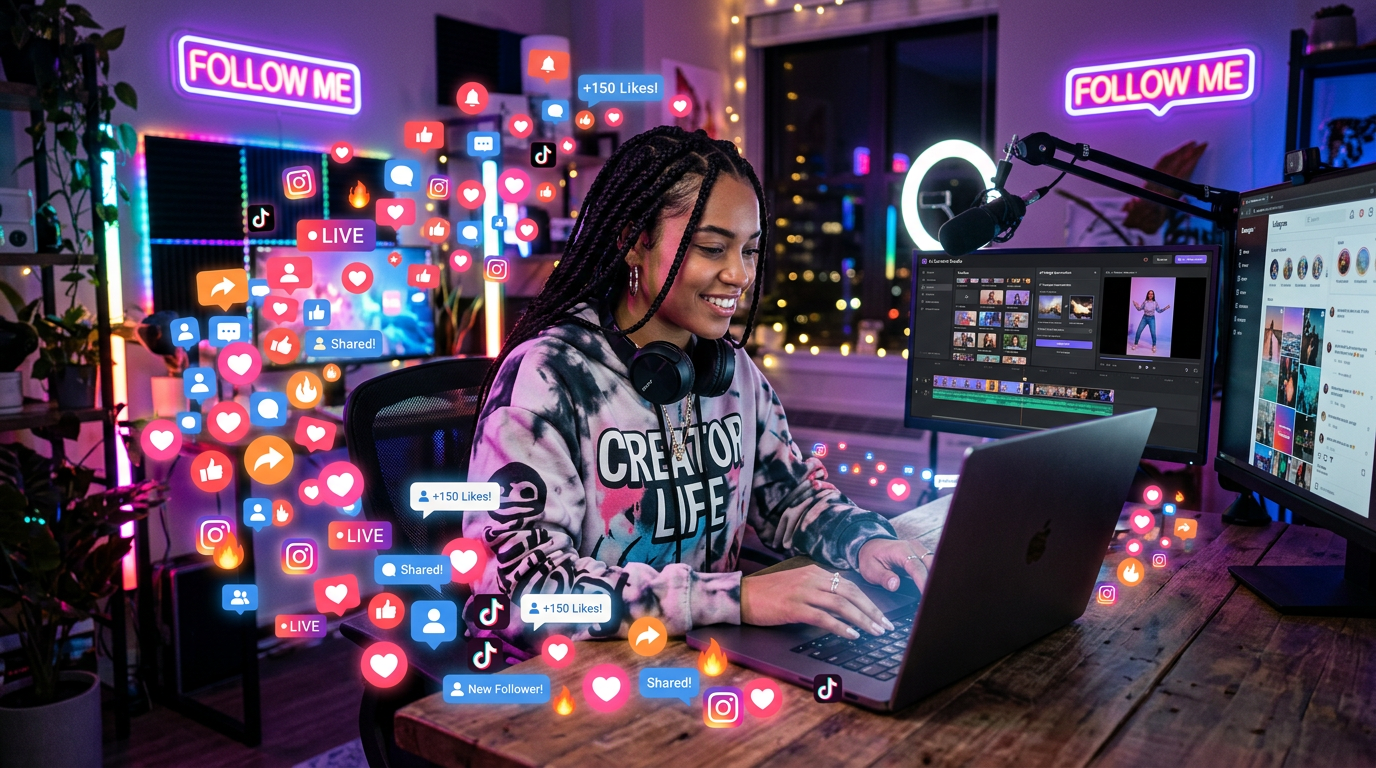
There was a phase when I genuinely thought managing social media would be the easy part of any online work.
Post something, write a caption, maybe add a nice image… done.
But once I actually started doing it regularly, reality felt very different.
Ideas ran out faster than expected. Captions took longer than they should. Designing posts was taking way too much time. And consistency? That was the hardest part of all.
Some days I had ideas but no time. Other days I had time but no ideas. And most of the time, I was stuck somewhere in between.
That’s when I started testing AI tools for social media — not to “automate everything,” but just to stop wasting time on small tasks that kept slowing me down.
After using different tools in real posting and content work, a few actually made a noticeable difference.
Here’s what worked in real use.
ChatGPT — My Main Tool for Content Ideas and Captions
ChatGPT quickly became the tool I rely on most for social media work.
Not because it creates perfect content on its own, but because it helps me get unstuck when ideas stop flowing.
How I actually use it:
- Generating post ideas for different platforms
- Writing captions with different tones
- Creating content calendars for the week
- Turning one idea into multiple post variations
- Rewriting captions to sound more natural
One thing I realized early on is that social media content is not about writing “perfect” captions.
It’s about writing something simple that connects quickly.
At first, I used to ask for full captions and copy them directly. But the results always felt a bit too generic.
Now I do something different:
I give ChatGPT a rough idea and ask it for variations.
That way, I can pick the one that actually feels natural.
Canva — The Easiest Way I Create Social Media Posts
Before Canva, designing posts felt like a full-time job.
I used to struggle with alignment, colors, fonts — basically everything.
Canva changed that completely for me.
What I use it for:
- Instagram posts
- Facebook banners
- YouTube community posts
- Simple marketing visuals
- Quote designs and promotional content
What makes Canva useful is not just templates — it’s speed.
Instead of building from scratch, I just start with something close and adjust it.
But I made a mistake early on.
I tried to make every post “unique” by over-editing everything.
That actually made my feed look inconsistent and messy.
Now I follow a simple rule:
keep it consistent, not complicated.
CapCut — Editing Short-Form Social Content Quickly
When I started posting more short videos, I realized editing can easily eat up hours.
CapCut made that part much easier.
What I use it for:
- Instagram Reels
- TikTok-style videos
- YouTube Shorts
- Adding captions automatically
- Cutting and trimming clips quickly
The auto-caption feature alone saves a lot of time.
Before that, I was manually adding text, which was slow and honestly frustrating.
One thing I learned:
Fast editing doesn’t mean better content.
I used to overuse transitions and effects just because they were available. But simple edits usually perform better.
Now I focus more on clarity than style.
Buffer AI — Scheduling Posts Without Stress
Posting consistently is one of the hardest parts of social media.
Some days you’re active. Other days you forget completely.
Buffer helped me fix that by scheduling everything in advance.
What I use it for:
- Planning posts for the week
- Scheduling across platforms
- Managing posting consistency
- Basic content organization
The biggest advantage is mental relief.
Once posts are scheduled, I don’t have to think about “what to post today.”
But I also learned something important:
Scheduling doesn’t replace creativity.
You still need to create good content first — the tool just handles timing.
Copy.ai — Quick Help When I Run Out of Ideas
There are days when I sit down and nothing comes to mind.
That’s where Copy.ai helped me a lot.
What I use it for:
- Caption ideas
- Short promotional text
- Hook variations
- Brainstorming content angles
It’s not something I rely on for final posts, but it’s useful for getting started.
Sometimes you just need a direction, not a finished result.
That’s exactly where it fits.
Later AI — Planning Instagram Content Visually
Later is something I started using when I wanted a more visual approach to planning posts.
Instead of just thinking in text, I could actually see how my feed would look.
What it helps with:
- Instagram post planning
- Visual scheduling
- Content calendar organization
- Feed consistency
It helped me understand something important:
Social media is not just about individual posts — it’s also about how everything looks together.
That changed how I design content now.
Common Mistakes I Made Using AI for Social Media
Using AI tools didn’t instantly improve my social media results.
In fact, I made a few mistakes in the beginning.
1. Relying too much on AI captions
At one point, I was using AI-generated captions without changing them.
The problem? They all started sounding similar.
Now I always tweak them to match my tone.
2. Posting without a content direction
Even with AI tools, random posting doesn’t work.
I had to learn to stick to a theme instead of posting everything.
3. Over-designing posts
I used to add too many effects and colors in Canva.
Now I focus on simplicity — clean posts perform better.
4. Ignoring consistency
Tools make posting easier, but they don’t make you consistent.
That part still depends on discipline.
A Simple AI Social Media Workflow I Use Now
After testing different tools, I simplified everything into a basic system.
Step 1: Idea generation
I use ChatGPT to get post ideas and angles.
Step 2: Caption writing
I refine captions using ChatGPT or Copy.ai.
Step 3: Visual creation
I design posts in Canva.
Step 4: Video editing (if needed)
I use CapCut for short-form content.
Step 5: Scheduling
I use Buffer or Later to plan posts ahead.
This keeps everything organized without feeling overwhelming.
Final Thoughts
AI tools for social media don’t replace creativity.
They just remove the repetitive parts that slow you down.
The real work is still:
- coming up with ideas
- understanding your audience
- and staying consistent
But once you combine that with the right tools, content creation becomes much smoother and less stressful.
Instead of spending most of your time stuck on captions, designs, or scheduling, you can actually focus on what matters — creating content that people want to see.











