


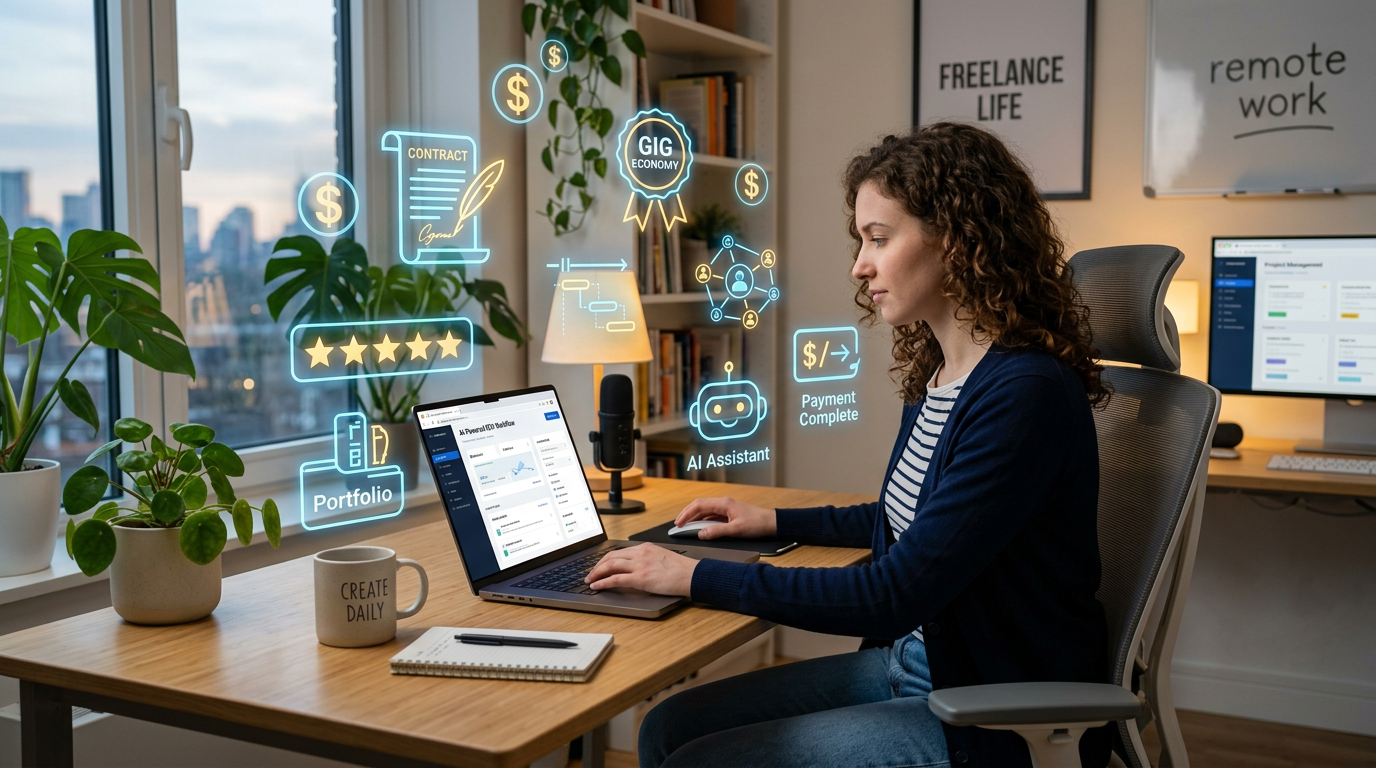
The first time I used AI for freelance work, I honestly felt guilty.
It almost felt like cheating.
I remember sitting in front of a client project that normally took me four or five hours, and suddenly AI helped me finish the difficult part in less than an hour.
At first, I thought:
“Is this even fair?”
But after working with AI tools for months, I realized something important.
Clients don’t actually care how long something takes you.
They care about:
- quality
- speed
- communication
- and results
And if AI helps you deliver better work faster, it becomes a tool — not a shortcut.
The real challenge is learning how to use AI properly without becoming lazy or producing low-quality work.
That took me some time to figure out.
Here’s what actually worked for me.
The Biggest Mistake I Made as a Beginner Freelancer Using AI
At first, I relied too much on AI-generated content.
Big mistake.
I’d generate:
- proposals
- blog drafts
- captions
- emails
and send them almost unchanged.
The problem?
Everything sounded generic.
Clients can often feel when something lacks personality or real effort.
That’s when I learned:
AI should help you create faster — not remove your thinking completely.
Now I use AI more like an assistant than a replacement.
That difference matters a lot.
ChatGPT Became My Main Freelancing Tool
Out of all the tools I tested, ChatGPT became the one I used daily.
Not because it magically earns money for you.
But because it removes creative blocks and repetitive work.
What I actually use it for:
- proposal ideas
- client communication drafts
- content outlines
- brainstorming
- rewriting awkward sentences
- research summaries
The biggest improvement came when I stopped asking:
“Do the entire project.”
And started asking:
“Help me improve specific parts.”
That creates much better results.
AI Helped Me Reply to Clients Faster
One thing I struggled with early in freelancing was communication.
Sometimes I spent way too much time writing simple replies because I overthought everything.
AI helped reduce that stress massively.
Example:
Instead of staring at an empty message box for 20 minutes, I’d ask AI:
“Write a professional but friendly reply to a client asking for revisions.”
Then I’d personalize it naturally.
This helped especially when:
- negotiating projects
- explaining delays
- handling revisions
- writing proposals
It saved mental energy more than anything else.
Canva AI Made Freelance Design Work Much Faster
Even if design isn’t your main service, clients constantly need visuals.
Things like:
- thumbnails
- Instagram posts
- presentations
- banners
- portfolio graphics
Earlier, creating basic designs took me forever.
Canva AI changed that.
Features I used most:
- Magic Design
- AI text generation
- template suggestions
- background remover
Instead of building everything from scratch, I could create strong drafts quickly and customize them later.
Huge time saver.
Grammarly Quietly Improved My Freelance Work Quality
This tool doesn’t get talked about enough.
Before Grammarly, I didn’t realize how many small mistakes existed in:
- proposals
- client messages
- blog writing
- emails
And honestly, small mistakes affect professionalism more than people think.
After using Grammarly regularly, my writing started looking cleaner and more polished.
Especially for freelance communication.
How I Actually Use AI for Freelancing Step by Step
After lots of experimenting, I naturally developed a workflow that feels practical instead of overwhelming.
Step 1: Use AI for Research and Planning First
Before starting any project, I now use AI to:
- brainstorm ideas
- research competitors
- organize structure
- simplify complex topics
This helps me start faster instead of staring at a blank screen.
Step 2: Generate Drafts, Not Final Work
This became one of my biggest rules.
AI-generated first drafts save time.
But raw AI output usually still needs:
- editing
- personality
- accuracy checks
- better flow
The final polish should still feel human.
Step 3: Personalize Everything
This matters a lot.
Generic AI work feels lifeless.
Now I always add:
- real examples
- personal tone
- custom details
- natural wording
That’s what separates professional freelancers from people copy-pasting AI outputs.
Step 4: Use AI to Speed Up Repetitive Tasks
This is where AI becomes genuinely powerful.
Tasks I automate or speed up:
- formatting
- summaries
- outlines
- captions
- proposal structures
- brainstorming
This frees more time for actual creative work.
Step 5: Double-Check Important Information
I learned this lesson after AI gave incorrect details inside a client project.
Now I always verify:
- facts
- numbers
- references
- technical information
Especially for professional work.
Trusting AI blindly is risky.
AI Tools That Actually Helped Me as a Freelancer
I tested many tools, but only a few became genuinely useful long term.
ChatGPT
Best for:
- brainstorming
- writing assistance
- client communication
- idea generation
This became my main freelance productivity tool.
Canva AI
Best for:
- social media graphics
- thumbnails
- presentations
- quick visual content
Very useful even for non-design freelancers.
Grammarly
Best for:
- polishing writing
- fixing grammar
- improving professionalism
Especially useful for proposals and emails.
Notion AI
Best for:
- organizing projects
- tracking tasks
- managing freelance workflow
Helped reduce chaos.
Midjourney or AI Image Tools
Best for:
- concept visuals
- mockups
- creative inspiration
Useful for creative freelancers.
Real Ways I Used AI in Freelance Work
Once I became comfortable with AI tools, I started using them during almost every stage of freelancing.
For writing projects:
- outlines
- editing
- idea generation
- simplifying topics
For client communication:
- professional replies
- revision explanations
- proposal improvement
For productivity:
- task organization
- summarizing meetings
- project planning
For content creation:
- thumbnails
- captions
- blog visuals
- social media assets
The biggest benefit wasn’t replacing skills.
It was reducing friction.
Common Mistakes I Made Using AI for Freelancing
I definitely made beginner mistakes at first.
Here are the biggest ones.
1. Sending raw AI-generated work
Clients notice generic work quickly.
Editing and personalization matter a lot.
2. Depending too much on automation
Over-automation removes originality.
Some parts of freelancing still need human creativity.
3. Using too many AI tools
This became distracting fast.
Now I stick to a few reliable tools.
4. Ignoring communication quality
Good freelance communication builds trust.
AI should improve communication — not make it robotic.
5. Trying to work faster instead of better
Speed matters, but quality matters more.
The goal is better workflow, not rushed output.
What Actually Improved My Freelancing the Most
Surprisingly, the biggest improvement wasn’t earning faster.
It was reducing mental exhaustion.
AI removed many small repetitive struggles like:
- staring at blank pages
- rewriting emails repeatedly
- organizing ideas manually
- formatting content constantly
That freed up energy for higher-quality work.
A Simple AI Freelancing Workflow That Actually Works
Here’s the process I naturally follow now:
Step 1:
Research and brainstorm with AI.
Step 2:
Generate rough drafts or outlines.
Step 3:
Customize everything manually.
Step 4:
Use AI for repetitive support tasks.
Step 5:
Review all important work carefully.
Step 6:
Focus on quality, not just speed.
Simple workflow. Much less stressful.
Final Thoughts
AI became genuinely useful for my freelance work once I stopped treating it like a magic shortcut and started using it like a productivity assistant.
The real benefit wasn’t replacing skills completely.
It was:
- reducing repetitive work
- speeding up workflows
- improving organization
- and helping overcome creative blocks faster
The freelancers getting the best results with AI are usually the ones who still combine:
- real skills
- personality
- communication
- and human creativity
That combination is what makes freelance work stand out — even in the age of AI.











